
Download our App Today!
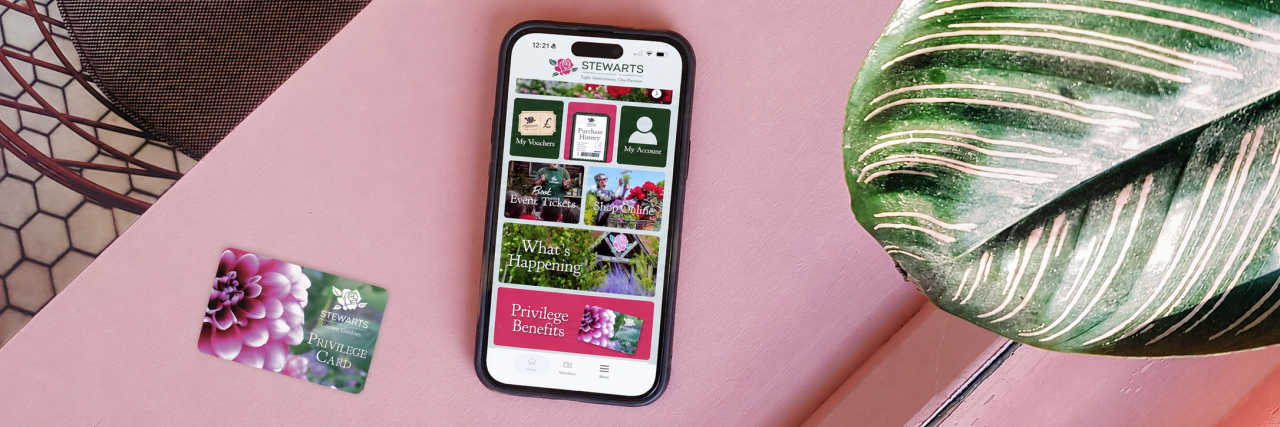
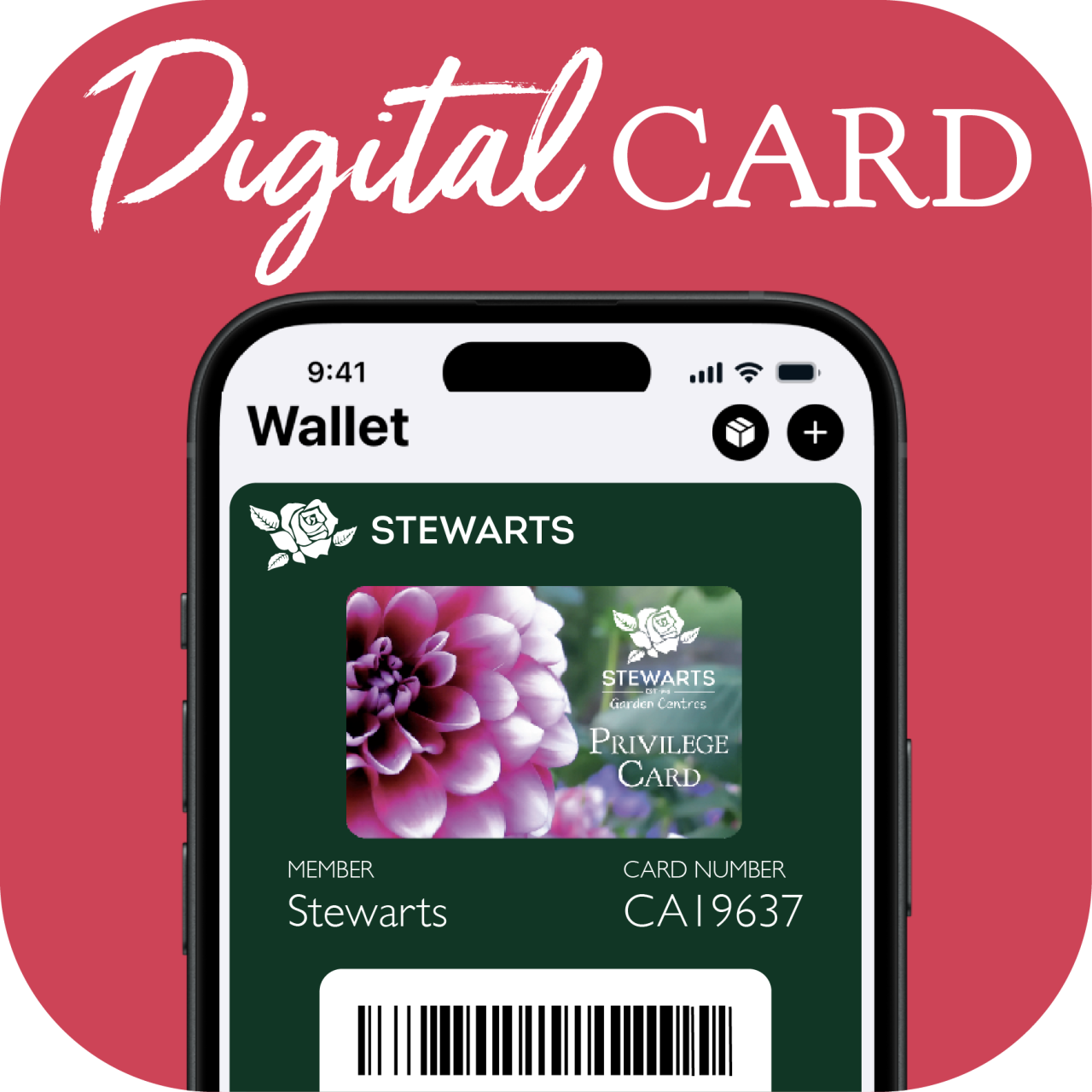
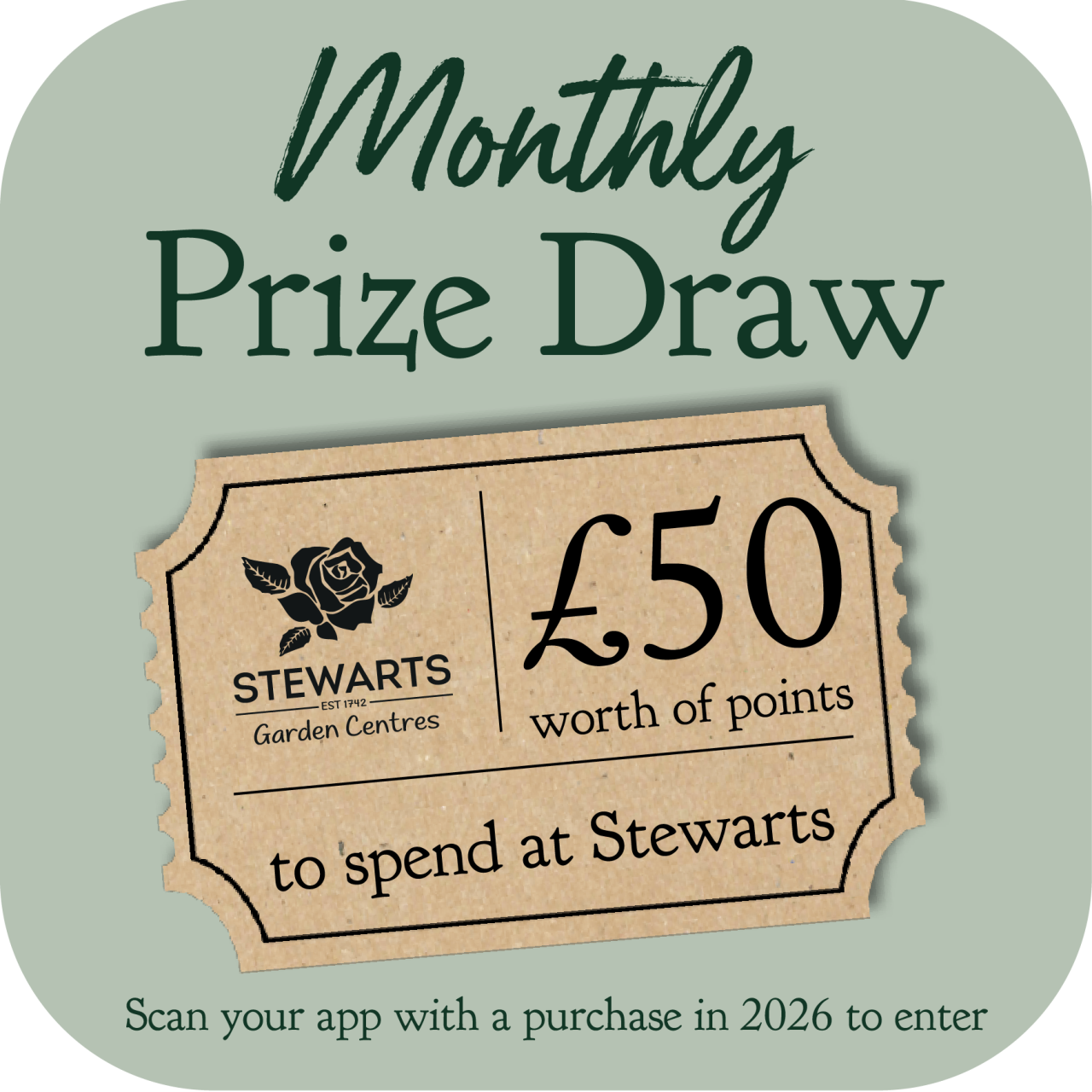
Our brand new App is here, making it easier than ever to collect rewards, unlock exclusive offers and keep everything you need in one place. With the app, you'll always have your digital Privilege Card to hand, making it simple to collect and track your Privilege Points and purchase history, enjoy birthday treats and access app-exclusive offers. You'll also be the first to hear about special events and you'll automatically be entered into our monthly prize draw when you scan your app with a qualifying purchase in 2026.
Whether you're popping in for plants, gifts, homewares or a bite to eat, the Stewarts App helps make every visit that little bit more rewarding.


How to Log In
Already Have a Stewarts Privilege Card?
-
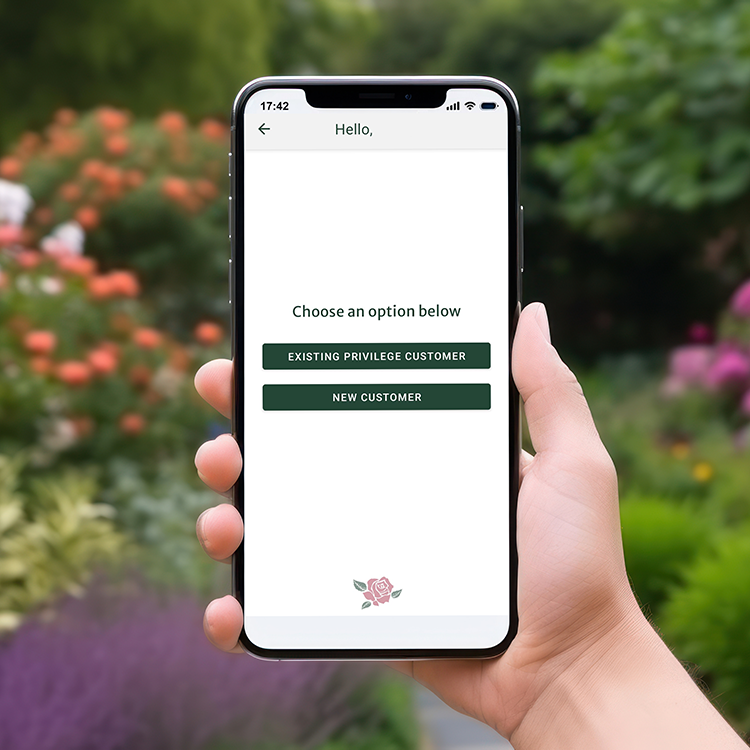
Once you have downloaded our app, choose EXISTING PRIVILEGE CUSTOMER
-
Next, tap CREATE OR CHANGE PASSWORD
-
Enter your Privilege Card number
(Your Privilege Card number is 12 digits long. For older Privilege Cards with fewer numbers, please add zeros beforehand)
-
An email will be sent to the email address registered with your account. If you do not have an email address registered, an error message will appear. You can add one by either calling us or asking our Till Team to add one in store.
Never Had a Privilege Card?
-
Once you have downloaded our app, click NEW CUSTOMER
-
Fill in your details & create your password
Having trouble logging in?
Drop us an email at [email protected] with your Privilege Card number, email address and a description of the issue and we'll do our best to help!


FAQs
Logging In
I already have a Stewarts Privilege Card. Do I need to click ‘Existing Privilege Customer’ or ‘New Customer’?
If you already have a Privilege Card, you must click ‘EXISTING PRIVILEGE CUSTOMER’ using your existing card number.
Otherwise your points and purchase history will not transfer across to a new account.
I’ve forgotten my password. What should I do?
On the login screen, tap “Forgotten password” and follow the instructions to reset it.
Log in isn’t working, why?
Either
- You haven’t currently got an email address linked with your Account. Add one by calling us or asking our Till Team to help in store.
Or
- Privilege numbers need to be 12 digits for the App to accept them, if yours is shorter, make up the difference by adding 0’s at the start. For example ‘12567’ would need to be ‘000000012567’
Offers and Vouchers
Are offers single use?
Most offers in the app are single use only.
Can I send my offer to a friend or family member?
No. Offers are unique to your Privilege Card number. Screenshots of vouchers will not work with another account.
My offer was there yesterday and now it’s gone.
All offers have an expiry date or are available only while stocks last. Please check the start and expiry dates shown on each offer to avoid disappointment.
I can see an offer in my list, but it isn’t working.
This could be because of one of the following reasons;
- The offer hasn’t started yet or the offer voucher has already expired
- The offer voucher has already been used
- The wrong product has been selected and it is not included in the promotion
- The Privilege Card being scanned does not match the account in the app
- Another offer has already discounted the whole basket (only one ‘overarching’ offer can be used at a time)
If you’re unsure, please ask a member staff.
Privilege Points
Why aren’t my Privilege Points showing in the app?
This is usually because a new account has been created instead of logging in with an existing Privilege Card. A team member can help merge the accounts for you.
Can I see how I’ve spent my Privilege Points?
Yes. Go to the Menu in the bottom right of the app and select Points History.
Do I earn Privilege Points on event bookings?
No. Privilege Points are not earned on event ticket bookings.
Purchase History
Why can’t I see my purchase history in the app?
This is usually because a new account has been created instead of logging in with an existing Privilege Card. A member of our team can help merge the accounts for you in store.
Account Details
How do I change my details such as address or email?
You can update your details in the ‘My Account’ section of the app.
How do I change my password?
Go to the ‘More’ menu and select ‘Change Password’.
Apple or Google Wallet
Can I add my Privilege Card to my phone’s wallet?
Yes. Once you have logged in or registered, you’ll see an option underneath your Privilege barcode to add your card to Apple Wallet or Google Wallet.
Terms & Conditions
Stewarts Terms and Conditions apply.
We make every reasonable effort to ensure our app is available at all times. However, we cannot guarantee uninterrupted access. If the app is unavailable due to circumstances beyond our reasonable control, including but not limited to server outages, technical failures, or third-party service disruptions, vouchers displayed within the app may not be redeemable during the period of unavailability. We shall not be liable for any loss or inconvenience arising from such temporary unavailability.